
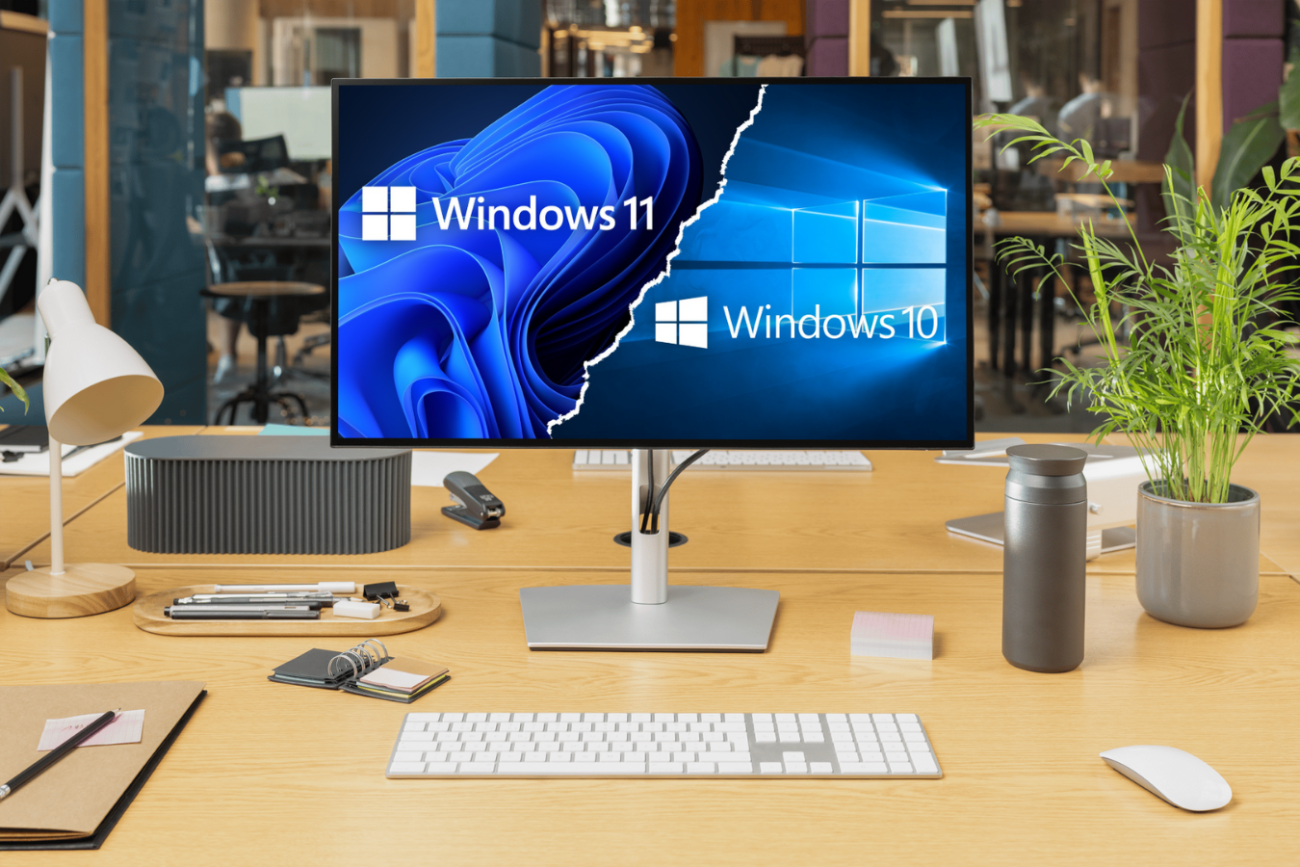
Scanner Compatibility with Windows 11 — Is Your Scanner Ready?
As more organizations prepare to upgrade to Windows 11, one critical question often goes overlooked: Are your scanners compatible with the new operating system? Workstations and laptops may be ready for the transition, but unsupported scanning hardware can quickly disrupt document-heavy workflows across finance, HR, operations, customer service, and compliance.
Windows 11 delivers stronger security, faster performance, and enhanced productivity features. However, scanners with outdated drivers or unsupported firmware may not function as expected, which results in downtime, data issues, or even complete operational standstill. Ensuring scanner compatibility with Windows 11 is essential to maintain continuous, secure, and compliant document processing.
Why Scanner Compatibility Matters
Scanning is a core business function. From invoices and contracts to employee files and client records, organizations rely on smooth, accurate data capture every day. When a scanner suddenly stops working after an OS upgrade, workflows can come to a halt.
Consider this scenario:
An accounting department installs a required Windows 11 update. The next morning, the scanner software fails to launch. Without the ability to digitize supplier invoices, payment cycles stall, vendors follow up, and productivity drops sharply. All of this stems from one root cause: outdated scanner drivers no longer supported in Windows 11.
Compatibility issues can lead to:
- Software crashes and failed scan jobs
- Missing OCR or image processing capabilities
- Delayed document processing
- Increased risk of data loss
- Security vulnerabilities due to unpatched driver software
In short, unsupported scanner hardware introduces operational and compliance risks that extend far beyond IT.
When End-of-Life Scanners Become a Business Risk
As manufacturers like Kodak Alaris expand their product portfolios, older scanner models eventually reach End of Life (EOL) status. Although these devices may still operate, they no longer receive official updates, driver releases, or security patches. Examples include the Kodak i4200/i4600 Plus and i5200/i5600/i5800 Series, which were originally designed for Windows 10 and earlier. These scanners are not explicitly certified for use with Windows 11, and organizations may experience:
- Frequent driver crashes or connection errors
- Scanners not being recognized by Windows 11
- Loss of key functions such as OCR or image enhancement
- Slower or incomplete scans
- Potential compliance issues caused by corrupted files or unreadable files
Some IT teams attempt temporary workarounds, such as running one workstation on an older operating system. However, this introduces new challenges, including increased security risks, more time-consuming maintenance, and higher long-term costs.
Continuing to rely on EOL scanners limits productivity and exposes your business to operational and security vulnerabilities. Upgrading to supported hardware ensures stability, compatibility, and long-term value.
Signs Your Scanner Might Not Be Compatible with Windows 11
If your scanners have been in service for several years, they may already show early signs of incompatibility. Even if basic functions continue to work, subtle performance issues often indicate that your hardware is no longer fully supported.
Watch for these symptoms:
- The scanner is no longer recognized after a Windows 11 update
- Scans take longer than usual or fail intermittently
- Missing features such as OCR, color detection, or image cleanup
- No driver or firmware updates available from the manufacturer
These issues can quickly accumulate and disrupt teams that rely on timely document processing. Before upgrading your operating system, verify your scanner’s compatibility to avoid unexpected downtime.
Dyanix can support this process with a fast, expert compatibility assessment — ensuring clarity before you upgrade.
How to Maintain Productivity and Security During Your Windows 11 Transition
A proactive evaluation of your scanning environment is the most effective way to protect your workflows. Before upgrading to Windows 11, review your current scanners, confirm driver availability, and identify any devices approaching EOL.
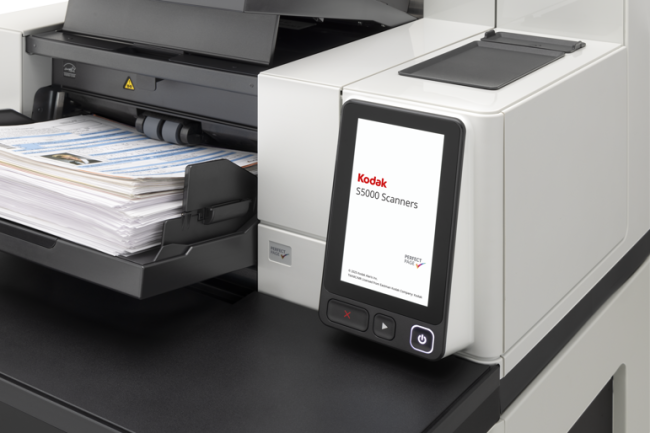
For organizations using older scanners, upgrading to the latest Kodak Alaris models is the most reliable solution. The Kodak S3000, i4x50 (i4250, i4650), and S5000 Series (S5160, S5180, S5210) are fully certified for Windows 11 and designed for modern document environments.
Key advantages include:
- Official Windows 11 driver and firmware support
- Faster USB 3.2 connectivity
- Superior image quality for OCR and automated processing
- Advanced security features and encrypted data transfer
- Greater energy efficiency and lower maintenance requirements.
As a trusted Kodak Alaris distributor, Dyanix offers tailored guidance through the entire upgrade process. Through our Tech Refresh 2025 program, we can assess your current infrastructure, recommend the right replacement models, and provide service bundles that ensure long-term performance and peace of mind.
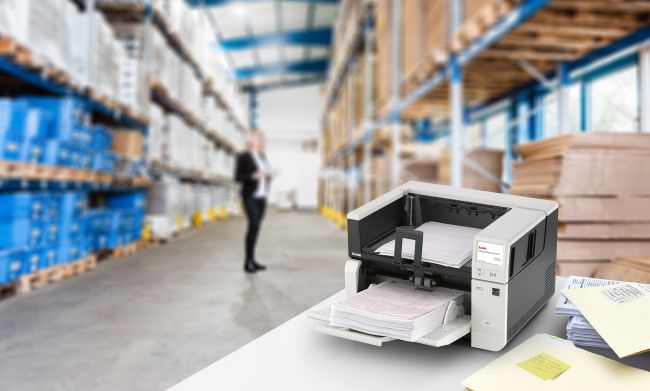
Ensure Scanner Compatibility with Windows 11
With more businesses moving to Windows 11, confirming scanner compatibility is essential to safeguarding security, efficiency, and compliance. Relying on outdated or unsupported devices may appear cost-effective in the short term, but it often results in downtime, higher IT workloads, and unnecessary operational risks.
Don’t wait until your scanners fail.
Request a compatibility check or upgrade quote from Dyanix today and keep your document workflows reliable, secure, and ready for the future.
→ Learn more about TechRefresh 2025 and request your scanner upgrade quote here.
A smooth transition to Windows 11 begins with scanner compatibility you can trust, and Dyanix is here to support you every step of the way.
